Yacine TV PC Lag Fix:Real Emulator Performance Guide(BlueStacks vs LDPlayer)
For the first time when I opened Yacine TV on my PC my whole system got crashed.
My screen got stuck when the goal was about to happen. The sound froze. The loading wheel was continuously revolving.
At first, I blamed this app. Then my internet and at last my laptop. But after many weeks of testing, breaking of emulators, and losing a lot of matches to buffering. At last I discovered the real reasons.
The issue was not in the Yacine TV. But the real problem was in my Android emulator.
This guide is for Yacine TV PC Lag Fix users who are tired of laginess, freezing and buffering while streaming Yacine TV.
Real reason behind the
Yacine TV PC lag Fix
Yacine TV is the most light weighted streaming app. It doesn’t utilize so much CPU or memory on your Android phones.
But when you use it on your PC, you are actually using a virtual phone in your emulator. You must also explore apps like yacine tv to experience more apps features.
What emulator use:
- It uses your CPU
- It reserves your RAM
- It render your graphics in real time
- It simulates Android in the background
If your emulator is not configure properly, no any internet speed run your Yacine TV.
I have 50 Mbs fiber connection and still I faced with stutters. From that day I realized the problem is serious and I need a proper Yacine TV PC Lag Fix guides.
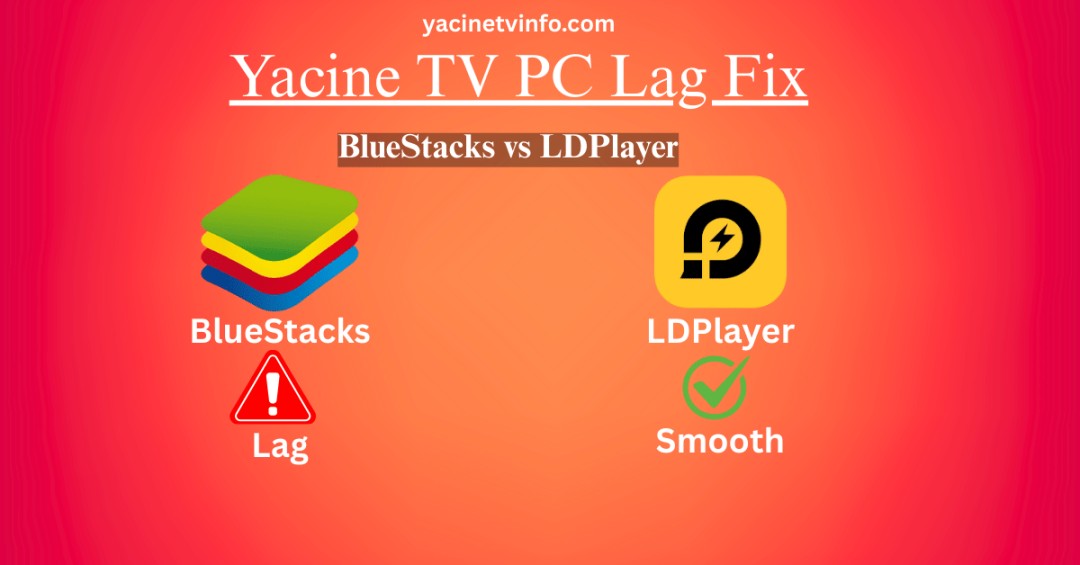
BlueStacks vs LDPlayer
(My Honest Experience)
After so much testing, here I will show you how it works during real match. This is the main pillar of your Yacine TV PC lag fix guide.
BlueStacks
It is good for beginners, but very heavy for real live streaming.
Pros And Cons
Pros
Cons
On average PCs, BlueStacks struggles when matches are online and traffic increases.
LDPlayer
This player changed every things.
Why is LDPlayer best for Yacine TV
- It has lower CPU consumption
- Having more stable frame rate
- Background process is very low
- Its channels are loading very fast
On the same PC, LDPlayer reduce my buffering by 70%.
If you are using low end PC, LDPlayer is best choice for you.
Emulator Ideal Settings
Emulator settings play an important role in Yacine TV PC lag fix. By Increasing RAM alone is not the only solution. Down below is the exact changes that stabilizes your stream.
1. CPU & RAM Allocation
Minimum Requirement
- CPU: 4 cores (2 if low-end)
- RAM: 4 GB (never below 4 GB)
Allocating too much RAM will crash your system.
2. Graphic Mode
Set these:
- DirectX (best for Intel/AMD)
- OpenGL only if DirectX fails
DirectX gave me a smooth playback even if FPS drops.
3. Resolution & DPI
Lowering it give me a high result.
Recommended setting.
- Resolution: 1280×720
- DPI: 240
The picture is relatively less sharp, but your buffering will disappeared.
DNS Trick That Reduced Buffering
I changed my DNS from:
7.7.7.7 to
8.8.5.5
After that:
- Streams loaded at a faster rate
- Channels switching improved
- Very Fewer loading circles
Its not some magic – but this will give you high stability during live streaming.
About Mods, Telegram Builds & Safety
All mod versions are not stable.
Some:
- Some emulator crashes.
- It breaks live channels
- It increases CPU usage
My rules now:
- Uses only Trusted APK source
- Avoid suspicious Telegram updates
- Never update any backup emulator before any update
In Yacine TV PC Lag fix issues stability should be your top priority than any “extra features”.
Other Devices (Quick Note)
- iPhone: Needs a separate method (no any emulator)
- Smart TVs: For it native app versions work better
- PC: Emulator optimization is critical for PC
PC users suffer most – but if you make proper setup you will gain too much from it.
My Biggest Blunder
The mistake was that I continuously switching among emulators every week.
This only reset my all settings and made things more worse. Once I fully setup LDPlayers, everything stayed stable.
Stopped your all background working while watching live matches. These few hints give you great help in Yacine TV PC lag fix isssues.
My Final Thoughts
Yacine TV works fine but the real cause of the lag and buffering is your emulator settings.Once you optimize your CPU, graphics resolutions, and DNS, the lag disappears and your streaming becomes more enjoyable.
No more freezing.
No more rage quitting.
Just smooth football nights.
FAQ’s

I am Usman, known as StreamSleuth – a Saudi based streaming app tester and the person behind YacineTVInfo.com. Since 2022 I have been installing, breaking and troubleshooting Yacine TV across Android phones, and troubleshooting Yacine TV across Android phones, Firestick, and Android TV boxes to write guides that actually work. Self-taught, hands-on, and allergic to copy-pasted device.